
From product configuration to a clear project handoff
Specify the data, approvals and software connections that carry an accepted configuration into quotations, orders, site visits and project work.
Table of contents
A product configurator becomes useful to a sales or factory team when the chosen product can move into the next task without being described again. The handoff should carry the accepted configuration, its price basis, outstanding checks and a clear owner.
Configurix builds custom software around that product record. For a pergola, door, HVAC system or other made-to-order product, the implementation can connect configuration, quotation, CRM and agreed order or project workflows. The starting point is your catalogue and the work your team actually needs to perform.
Define what an accepted configuration means
Exploring a 3D model, requesting a quotation and approving an order are different events. Decide which event creates a sales project, which freezes the commercial offer and which authorises a factory or installation handoff. A request with missing measurements may need review rather than an automatic appointment.
Keep the product and pricing revisions with the saved choices. If a salesperson changes a roof, opening, component or finish, the receiving team needs to know whether the previous quotation still applies.
Specify the information each team receives
| Information | Why it belongs in the handoff |
|---|---|
| Configuration ID and revision | Identify the product that was actually agreed |
| Dimensions, units and option codes | Preserve the specification without retyping |
| Price revision, validity and accepted terms | Explain the commercial agreement |
| Customer, dealer and responsible person | Assign the next action and access |
| Survey questions and unresolved exceptions | Prevent an incomplete project being treated as approved |
| Approved documents and output status | Distinguish a quotation from a released BOM, drawing or job pack |
Define who owns each field and what happens when it changes. The configurator should not overwrite a measurement verified later without a controlled revision and the necessary review.
Connect quotations to scheduling carefully
An accepted quotation can provide useful information for a site visit or installation: address, selected product, access questions and responsible dealer. Calendar integration should specify who proposes a time, who confirms capacity and what changes when the project is revised.
Route optimisation, travel estimates, crew allocation and reminder messages are separate requirements. If you need them, agree the relevant software connection, required inputs and exception handling. A configured product does not by itself establish that a crew, vehicle or delivery slot is available.
Keep service options attached to the product
A maintenance option can reference the selected product, included services and the provider responsible for delivery. Recurring billing, renewals and repeat visits need their own agreed rules and integrations. Record what the customer accepted and how cancellations or product changes affect that agreement.
Training should also follow the actual implementation: catalogue permissions, reviewing an exception, revising a quotation and handing over the approved record. Measure the team's results before claiming a time saving.
Test the handoff before launch
Review a standard configuration, one requiring a site check and one changed after quotation. Confirm that the right revision reaches the correct person, that delivery failures remain visible and that a retry does not create a duplicate project. Agree which system owns later order status.
Discuss your catalogue, existing software and required outputs in a private Configurix demonstration. Explore the pergola configurator or the order-management guide to prepare the questions that matter to your workflow.
Ready to try Configurix?
See how the configurator, quoting and CRM work together for your business.
Book a demo →Related articles
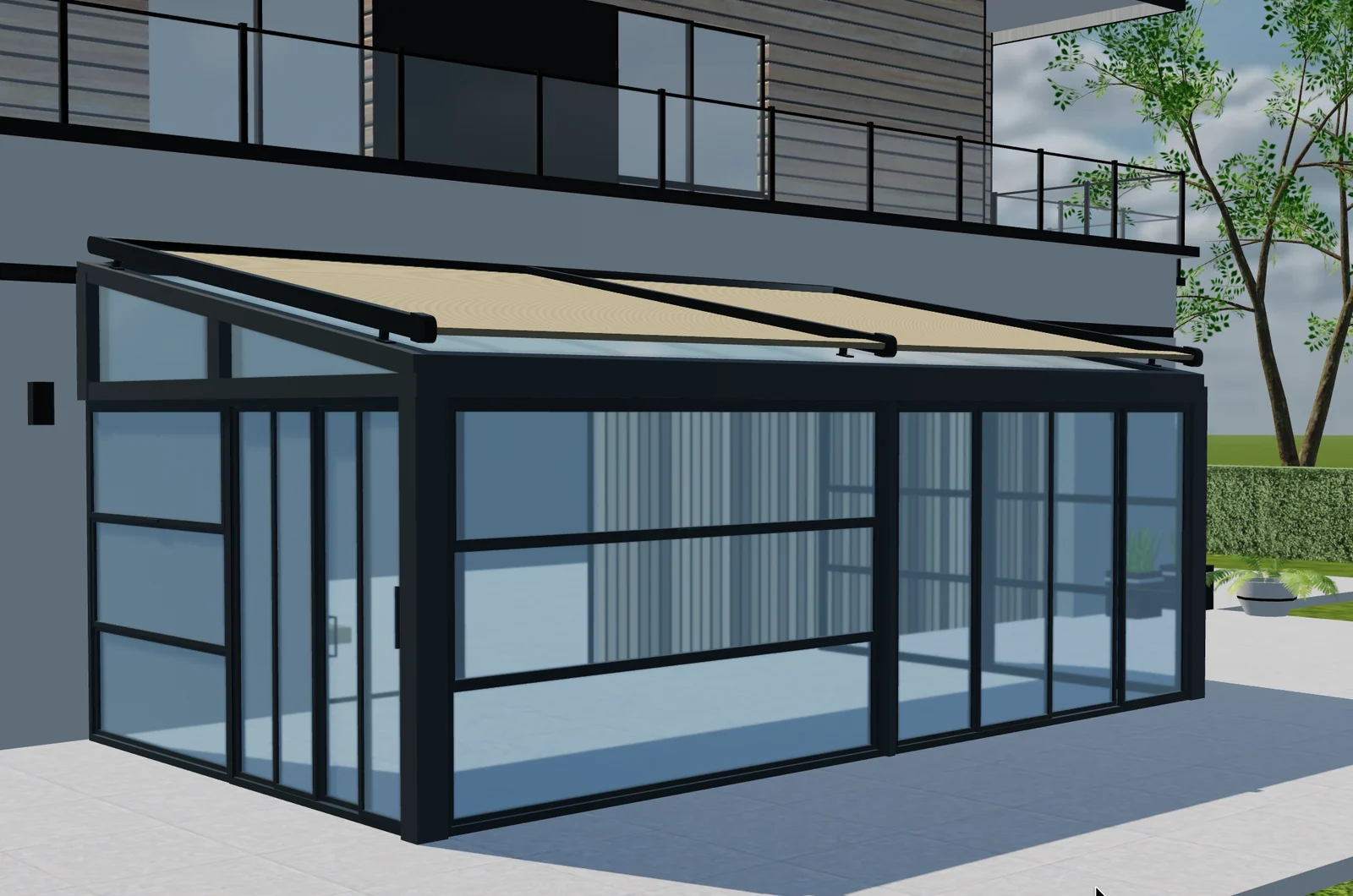
Sunroom glazing specifications: from panel layout to a clear quote
Connect sunroom glazing, opening direction, panel references and quote revisions in a Configurix specification workflow.
Phase 5: Product Configurator Launch, Analytics and Continuous Improvement
Launch a 3D product configurator with clear ownership, event measurement, support, catalogue governance and a practical plan for multilingual and multi-product growth.
Phase 4: Quotes, BOM, Integrations and Product Configurator Testing
Connect one accepted configuration to quotes, CRM, ERP, ecommerce or BOM outputs, then prove the complete workflow with structured acceptance and failure tests.

Phase 3: 3D Asset Pipeline and Configurator UX for the Web
Prepare accurate browser-ready 3D assets and design a clear, responsive configurator experience that keeps product state, price and customer intent connected.