
Custom factory software built around your products.
See how Configurix can scope custom factory software for product configuration, quoting, BOM preparation, production documents and connected workflows.
Table of contents
- What can Configurix build for a factory?
- Follow one product through every department
- Connect product choices to materials and operations
- Decide where each system remains responsible
- Make the buying experience and internal workspace different
- What should the project specification contain?
- Questions manufacturers ask about custom software
- Can we start with one workflow?
- Does custom development mean replacing our current systems?
- Can the software reflect our factory's terminology?
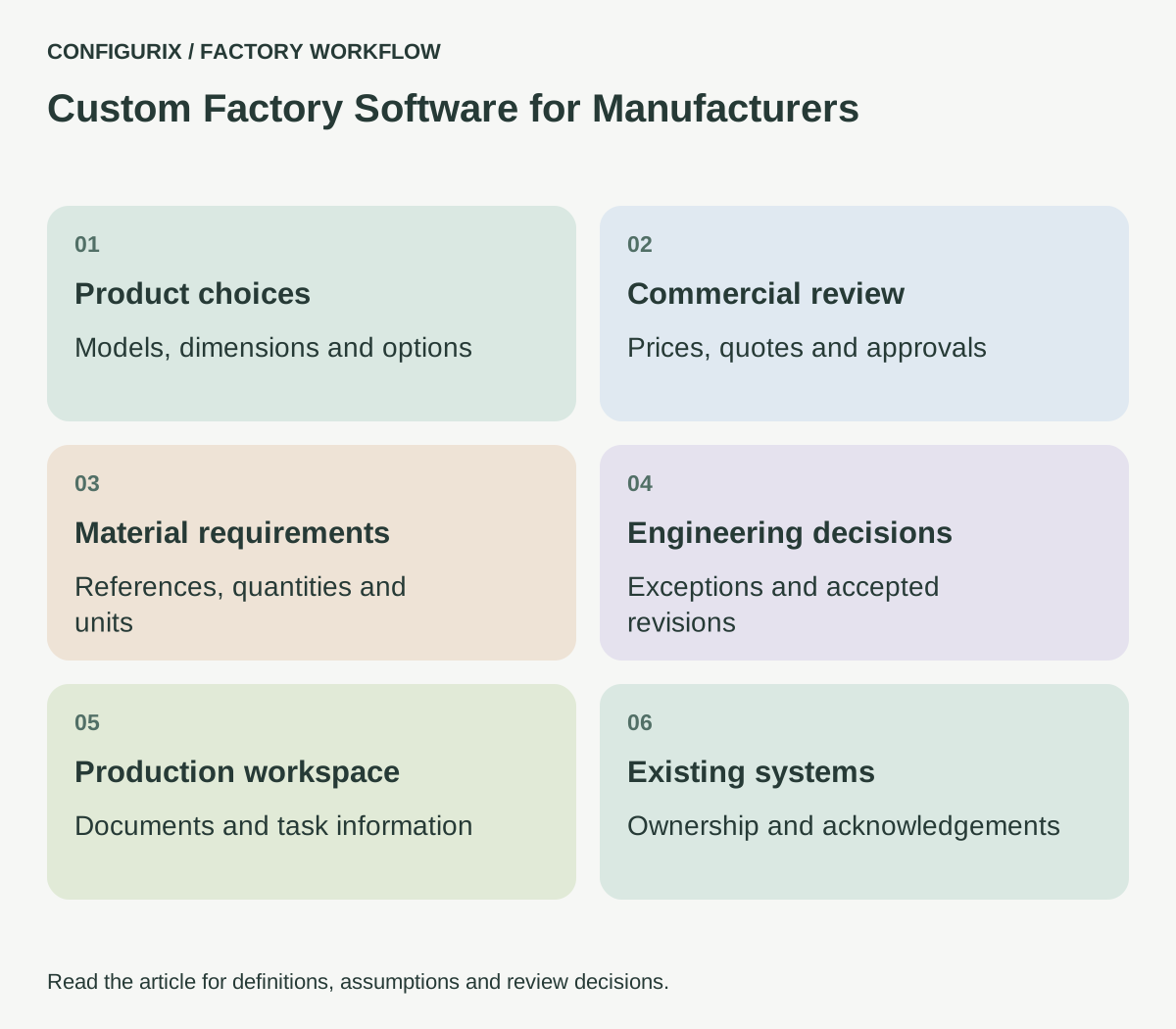
Custom factory software connects the way a manufacturer sells a product with the information people need to prepare and build it. That can include a product configurator, a pricing workspace, a bill of materials, engineering review, production documents and interfaces to existing systems. The useful starting point is one recurring business problem: a product choice that currently has to be interpreted or entered again by another department.
Configurix creates custom software around a manufacturer's products and workflows. A project can combine a branded buying experience with the internal tools that support it. The scope should name the actual users, decisions, documents and system connections involved. A configurator for a dealer and a workspace for a production planner may share product information, but they need different screens and permissions.
What can Configurix build for a factory?
A factory does not have to replace its ERP to improve the journey between an enquiry and an accepted order. Custom applications can address the gaps around an existing system: collecting complete specifications, explaining valid options, preparing material requirements or routing an unusual request to the right person.
| Application | Factory problem it can address | Output to agree during discovery |
|---|---|---|
| Product configurator | Buyers cannot understand available combinations | Identified model, dimensions, options and configuration reference |
| Sales and quoting workspace | Prices are assembled from disconnected files | Reviewed quotation with its price basis and revision |
| BOM preparation tool | Materials are manually interpreted from a drawing | Components, units, quantity rules and exceptions |
| Engineering review workspace | Unusual requests disappear into email | Assigned decision, supporting evidence and approved specification |
| Production document workspace | Operators receive inconsistent order information | Job pack linked to the accepted product revision |
| Dealer or customer portal | External users need a clear next action | Scoped access to enquiries, approvals or order information |
These are building blocks for a proposed implementation. Choose the combination that solves the factory's problem; the availability of a module name is not a substitute for agreeing how it will work for your products.
Follow one product through every department
Take a made-to-order enclosure with a selected width, height, door arrangement and finish. Sales needs to know whether the requested combination can be quoted. Engineering needs to know whether the dimensions and hardware are valid. Purchasing needs identifiable materials. Production needs the correct parts and instructions. Dispatch needs packaging and shipment information.
Write down what each team receives today and what it adds. A useful discovery session follows one ordinary order, one revised order and one order that needed an exception. Keep the original files and identify where an employee had to guess, retype a value or contact a colleague. That observation gives the software project a concrete purpose.
Do not start by copying every spreadsheet into a new interface. Some columns are temporary working notes; others represent essential decisions. A discount approval is a decision. A rounded cell colour may be only a reminder. The new system should make the decision explicit instead of reproducing the reminder and its ambiguity.
Connect product choices to materials and operations
A visual product description and a manufacturing instruction are related, but they serve different jobs. A customer may select “dark frame”; the factory needs a finish reference, an applicable component code and any process instruction associated with that finish. Store the relationships so the business can explain how the selection became a production requirement.
Start with a small data model: product family, model, configurable dimensions, option references, compatibility rules, material references and quantity rules. Then define the records that sit around it: customer enquiry, quotation revision, accepted configuration, engineering decision and released order. Each record needs an owner and an identifier that remains meaningful when a description changes.
 Open full-size image (new tab)
For BOM calculations, specify the unit and the condition as well as the formula. “Four brackets per assembly” means something different from “four brackets per order.” A component may depend on width, finish, opening direction or an accessory. Those conditions belong in the requirements and in acceptance tests.
Decide where each system remains responsible
Avoid having two applications both claim to own the same price, stock balance or release status. A Configurix implementation may receive master data from one system and send a reviewed output to another. Write that direction down for every important field.
For example, an ERP may own item numbers and stock availability, while the custom configurator owns the buyer's selected options. Engineering may approve the configuration before the receiving system creates its production order. The exact division depends on your existing software and processes. A project should specify it before an integration is priced.
Also define failure behaviour. If a price source is unavailable, can the user save an enquiry without a price? If the receiving system rejects an item code, who corrects the mapping? An honest “awaiting review” state is more useful than a green confirmation that only means an HTTP request was sent.
Make the buying experience and internal workspace different
A customer-facing screen should explain the next meaningful choice. It should use the manufacturer's terminology, show relevant images and prevent invalid combinations where the rules are known. It should not expose internal routing codes or force a buyer to understand a BOM hierarchy.
An internal screen should help an employee complete a task quickly. A planner may need an exception queue, revision comparison and missing-data warning. A dealer may need a branded quote and a clear approval request. Design those views around their jobs, while preserving the same underlying product and order references.
Mobile support also needs a specific use case. Checking a customer enquiry on a phone is different from reading a detailed work instruction beside a machine. Agree which tasks must work on tablets, which need a desktop and what happens when a connection is interrupted.
What should the project specification contain?
Use a short discovery pack with enough detail to make the proposed work testable:
- One product family with representative standard and exceptional orders.
- Current quotations, material lists and production documents, with confidential details removed where necessary.
- Named owners for product rules, pricing, materials and order release.
- Systems to connect, available interfaces and the direction of each data exchange.
- Required screens and the users who may see or change each record.
- Acceptance scenarios showing both successful work and rejected input.
- A release sequence, support responsibilities and a way to correct catalogue data.
Measure the current process before choosing a target. Useful measures include time spent preparing a complete quotation, enquiries returned for missing information and production packs requiring clarification. Record a baseline from real work. A custom software proposal should explain how those measures will be checked after launch, without assuming a universal improvement percentage.
Questions manufacturers ask about custom software
Can we start with one workflow?
Yes. A focused scope might connect product selection to a reviewed quote request, or produce a material breakdown for one product family. Keep the boundaries explicit so employees know which steps remain manual during the first release.
Does custom development mean replacing our current systems?
It does not have to. Bring your ERP, CRM and production software into discovery. The project can be designed around the interfaces they support, subject to technical verification, data ownership and the agreed implementation scope.
Can the software reflect our factory's terminology?
That is a central reason to discuss custom development. Your product names, review steps, material references and document structure should inform the experience. Consistent terminology still matters: the same component should not acquire a different identity every time another department describes it.
Explore custom software development from Configurix and configurators for manufacturers. For the next conversation, bring one order and show where your team has to reconstruct information. That is a practical starting point for defining the software your factory needs.
Build around the way your factory works.
Bring your product catalogue, material lists and current documents. We can define a custom software scope around the decisions your teams need to make.
Discuss your factory workflow →Related articles
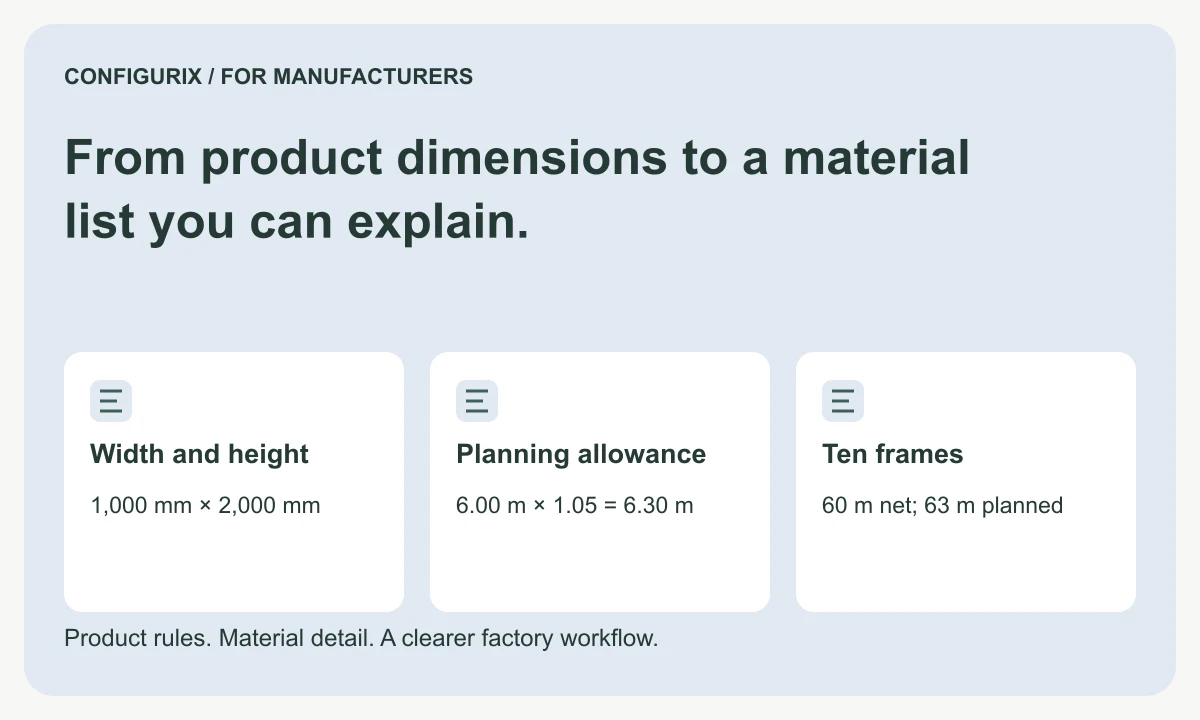
From product dimensions to a material list you can explain.
Specify configurable BOM formulas, fixed and conditional components, units, allowances and rounding with a worked manufacturer material calculation.
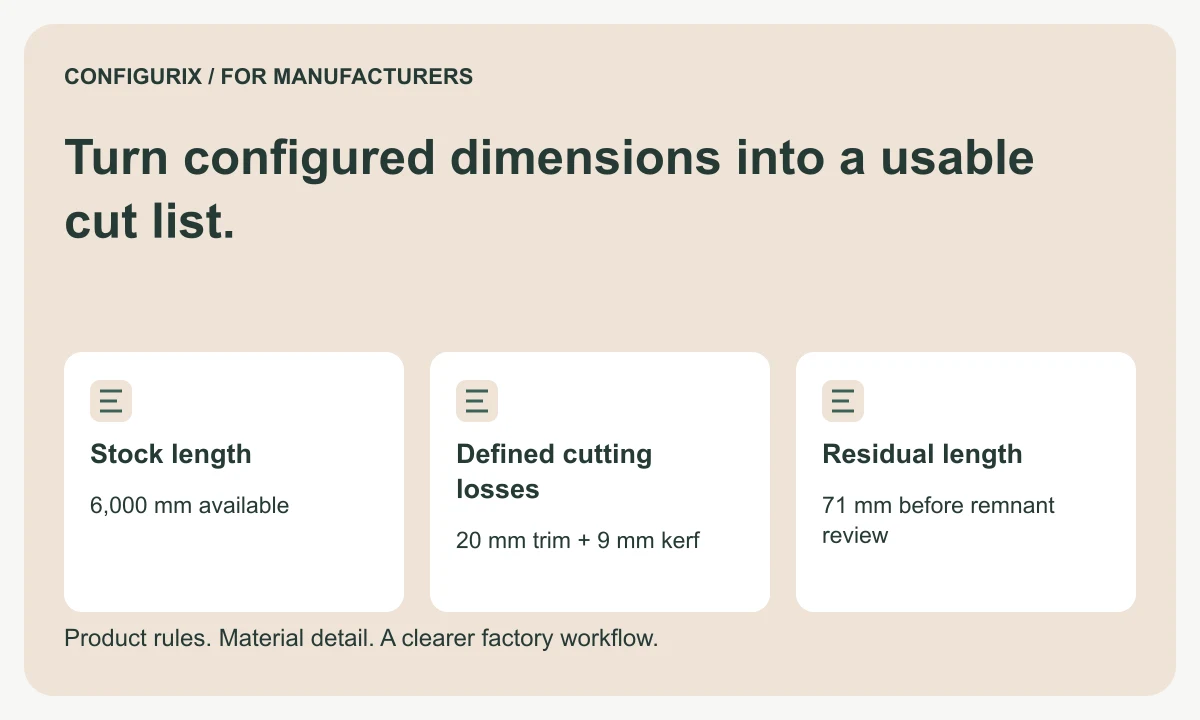
Turn configured dimensions into a usable cut list.
Specify cut lists with finished dimensions, kerf, trimming, stock lengths and remnant rules. Follow a worked cutting-feasibility calculation.
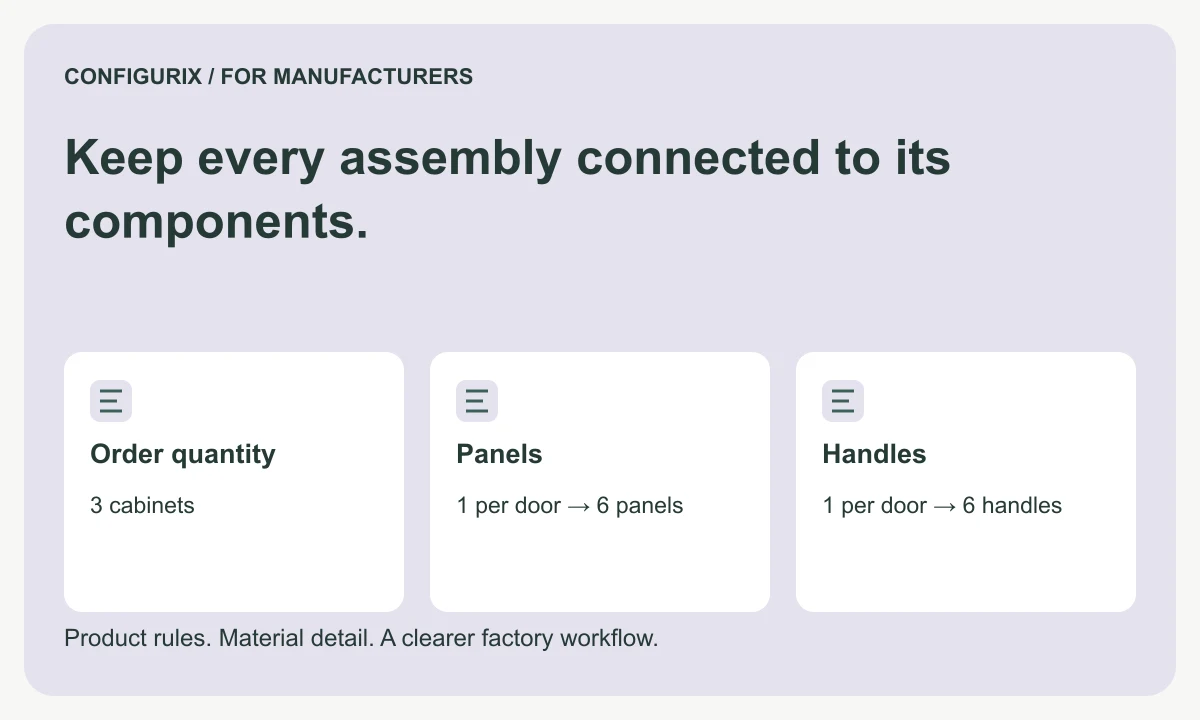
Keep every assembly connected to its components.
Plan multilevel configurable BOMs with assembly quantities, purchased kits, option inheritance, traceable aggregation and component revisions.
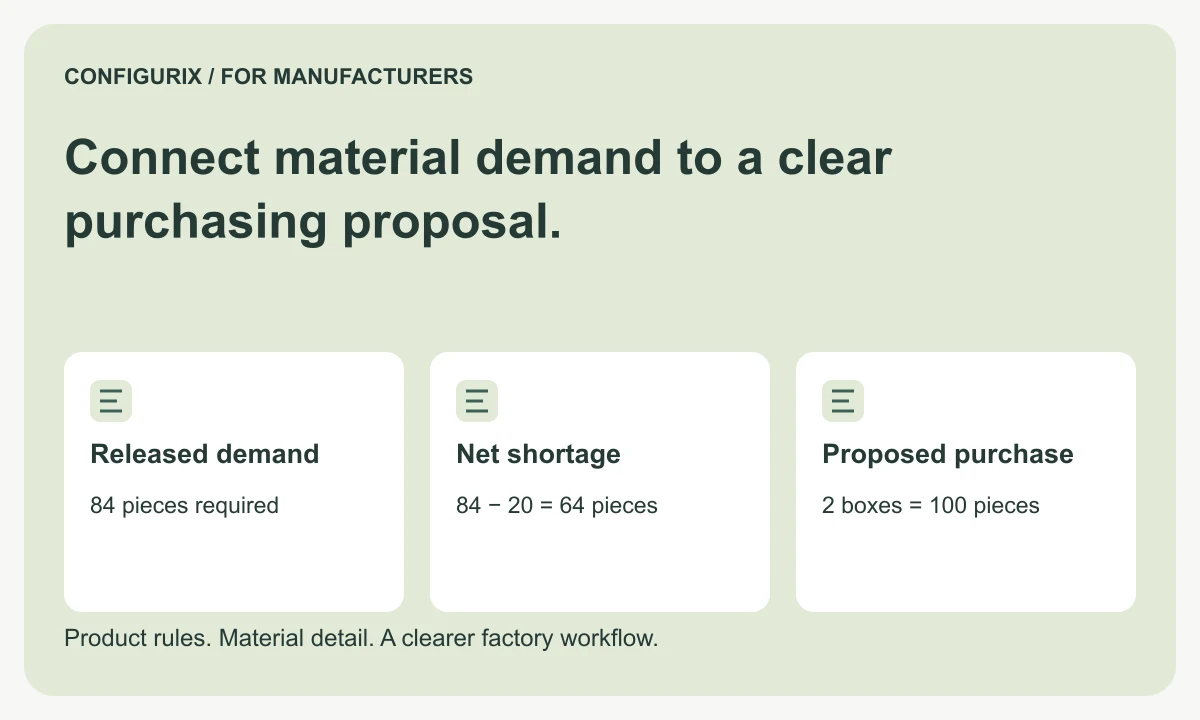
Connect material demand to a clear purchasing proposal.
Connect configured material requirements to purchasing units, available stock, pack-size rounding and approved substitutions with a worked example.