
Connect quality records to the product you built.
Plan factory quality workflows linking configurations, material lots, serial numbers, inspection results, rechecks and authorised release decisions.
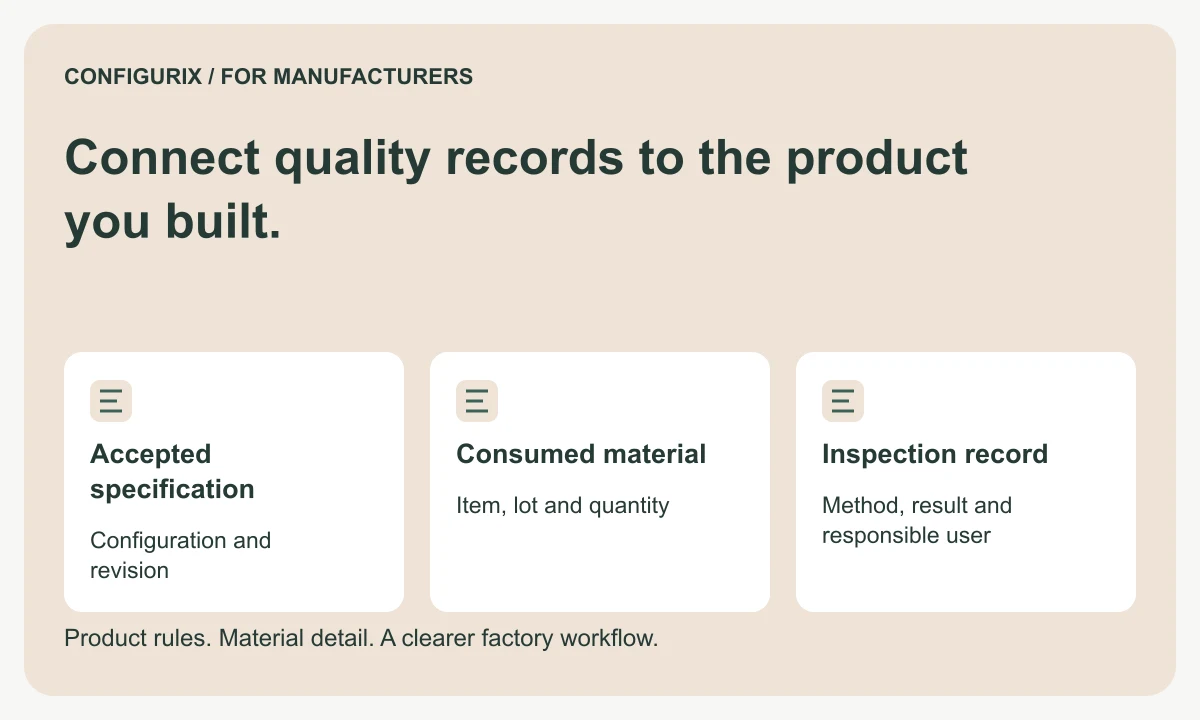
Table of contents
- Distinguish the product, order, batch and serial identities
- Keep the intended BOM and recorded consumption separate
- Specify each check as a complete record
- Give failed checks a controlled next step
- Design access and retention around the records
- Test traceability in both directions
- Is a completed checklist proof of compliance?
- Can customer service see the relevant product history?
- Can we begin without tracking every component?
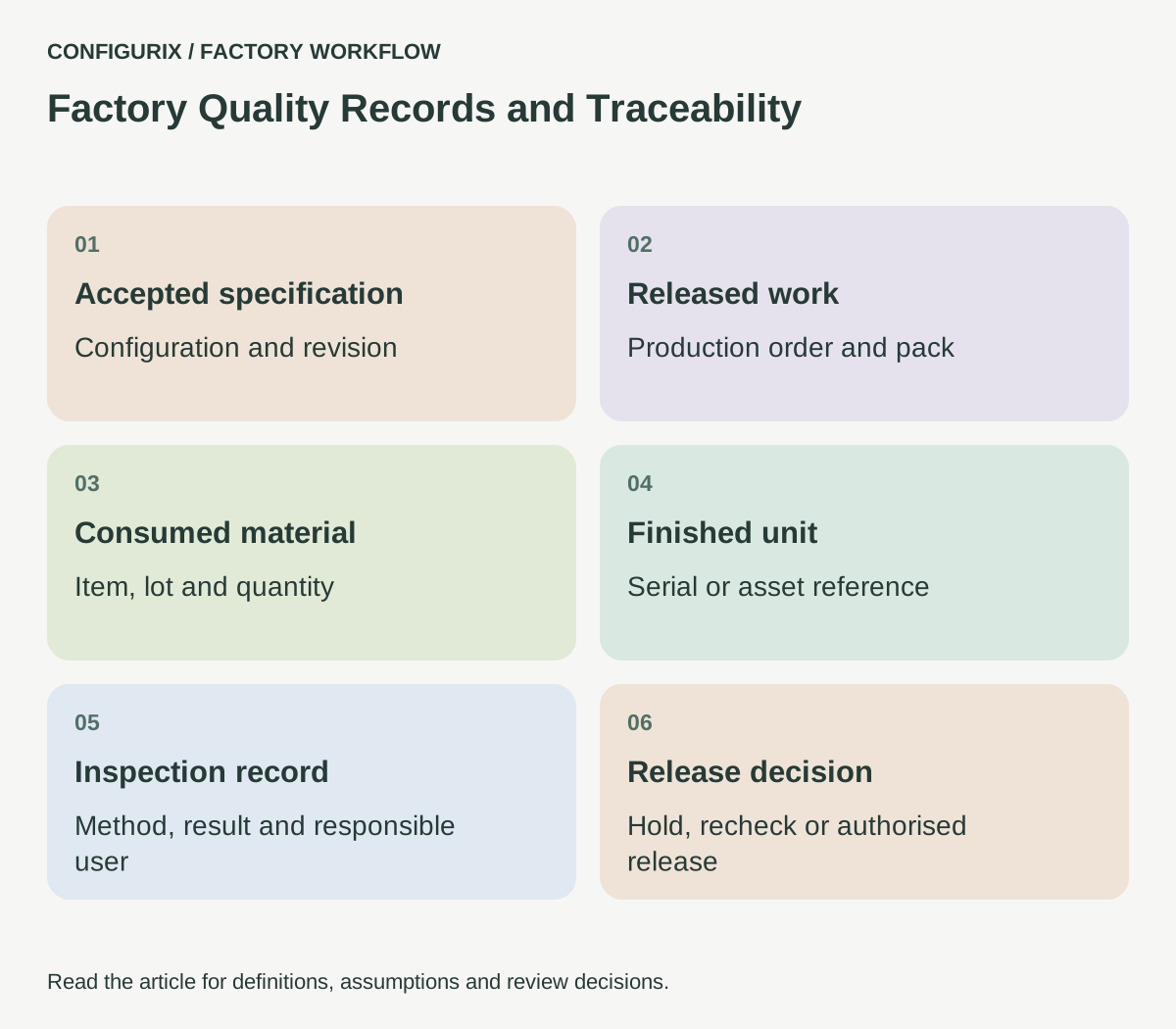
Quality records become more useful when a factory can connect them to the product that was ordered, the materials that were used and the revision that was built. A product configurator captures what should be supplied. Production and inspection records explain what actually happened. Keeping those identities connected is the starting point for a traceable workflow.
Configurix can connect product configurator outputs to a manufacturer's quality-record workflow or existing quality system. The manufacturer still needs to define its inspection methods, acceptance criteria and authorised decisions. Software can organise that process; it does not establish that a product meets a standard simply because a form is complete.
Distinguish the product, order, batch and serial identities
Different identifiers answer different questions. A configuration reference describes selected options. An order line describes a commercial commitment. A lot groups material or products under the factory's definition. A serial number identifies an individual unit. Decide how the records relate instead of using one number for all four concepts.
| Reference | Question answered | Association to retain |
|---|---|---|
| Configuration revision | What was selected and accepted? | Options, dimensions and product rules |
| Production order | Which work was released? | Pack and operation references |
| Component lot | Which material group was used? | Item, supplier reference and consumption record |
| Finished-unit serial | Which individual unit was built? | Actual assembly and release information |
| Inspection record | What was checked and decided? | Method, result, responsible person and time |
Odoo's documentation provides an example of a manufacturing system using lots and serial numbers in production workflows. Its particular completion rules are product-specific; use the concept to identify what your own receiving system requires. Odoo: manufacturing with lots and serial numbers.
Keep the intended BOM and recorded consumption separate
An approved BOM describes the planned components. Production may use a permitted alternative, consume a different material lot or record additional material during rework. Keep those events associated with the order instead of overwriting the original requirement.
For example, an order may specify a handle assembly under one approved reference while the consumed item record identifies the actual received lot. A later service question needs both the expected component definition and the recorded material identity. If a substitution changes the approved specification, preserve the decision that allowed it.
Define when actual records are captured and who confirms them. A barcode scan can identify a value, but the workflow must still establish that the scanned item belongs to the relevant order and that the quantity or operation is valid. Do not assume that a successful scan equals a completed traceability check.
 Open full-size image (new tab)
Specify each check as a complete record
A check should state what is being inspected, which method or instruction applies and what constitutes an acceptable result. If it is a measurement, include the unit and the applicable limits from the manufacturer's approved specification. If it is a visual check, describe the required observation clearly enough for another trained person to understand it.
The record should retain the result, relevant product or operation reference, responsible person and time. Instrument identity or calibration status may be required by the factory's process; decide that with the quality owner rather than adding a generic checkbox.
Odoo documents quality checks that can be associated with manufacturing orders or particular work-order operations. That is one implementation example of why the location of a check in the process matters. Odoo: quality checks.
Give failed checks a controlled next step
A failed check needs an owner and a disposition. The factory might hold the unit, request engineering review, rework it or reject it. Those actions should be distinct from changing the recorded result.
Retain the original observation when a check is repeated. A later passing result should be connected to the corrective action and the recheck, not used to erase the earlier failure. Define who may release the unit and which unresolved conditions block that decision.
For a Configurix project, write down the state transitions: ready for inspection, check recorded, on hold, action assigned, recheck required and released, for example. Then confirm which transitions are actually needed. Avoid a large generic workflow that creates more administration than the factory can maintain.
Design access and retention around the records
An operator may need to record a measurement without being able to change the acceptance limits. A supervisor may need to assign rework without modifying the product specification. A dealer may need to see that an order is ready without seeing internal nonconformity notes.
Agree these responsibilities and test them with separate accounts. The implementation should apply the rules to data access as well as to visible controls. Record corrections with a reason and preserve the history required by the manufacturer's process.
Retention and export requirements should be discussed during discovery. Decide how long records are needed, which identifiers must remain searchable and what happens when an account or product is retired. Any contractual, regulatory or certification obligation should be confirmed by the responsible quality and legal specialists; a generic software feature list cannot establish it.
Test traceability in both directions
Start with a finished-unit reference and ask which accepted configuration, material records and inspection results belong to it. Then start with a component lot and ask which recorded units used it. Both questions are useful, but they depend on the completeness and accuracy of the captured data.
Test missing identifiers, duplicate scans, a failed check, a recheck and a corrected entry. Include a material substitution and a unit moved between operations. Confirm that the history remains readable and that an unauthorised user cannot release a held record.
Use a defined set of records for the acceptance exercise. Do not infer broad traceability from one successful lookup. The factory should identify which product families and operations are covered by the first release and where recording remains manual.
Is a completed checklist proof of compliance?
No. It is a record within a process. Compliance depends on applicable requirements, approved methods, competent execution and supporting evidence beyond the existence of software fields.
Can customer service see the relevant product history?
That can be scoped with appropriate access. Decide which product and service records are necessary and avoid exposing internal information merely because it is available in the same system.
Can we begin without tracking every component?
Yes, a phased scope can focus on the identifiers most useful to the factory. Document the coverage honestly so users know which questions the records can and cannot answer.
Discuss product configurator implementation with Configurix alongside your production job-pack requirements. Bring the quality owner into discovery so the proposed outputs follow the factory's actual decisions.
Connect configuration to the way your factory works.
Bring your product catalogue, pricing rules and current documents. We can define a product configurator implementation around the decisions and system connections your teams need.
Discuss your factory workflow →Related articles
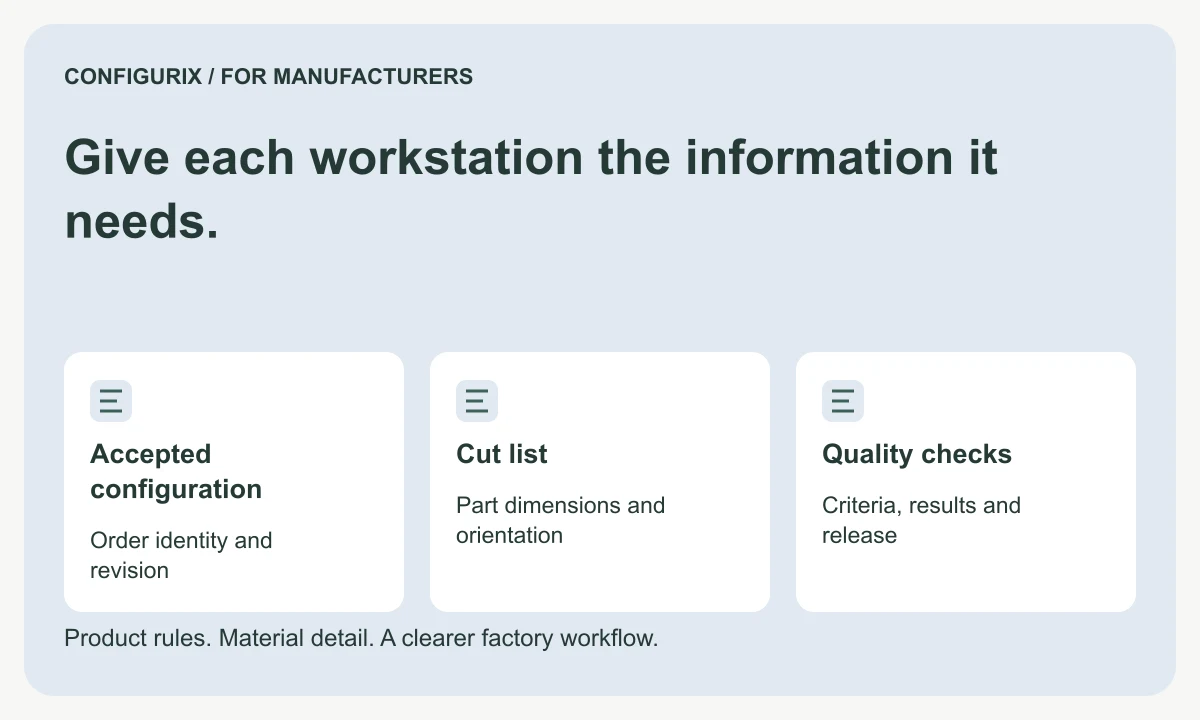
Give each workstation the information it needs.
Specify production job packs with BOMs, cut lists, drawings, work instructions, operation checks and clear revision control for each workstation.
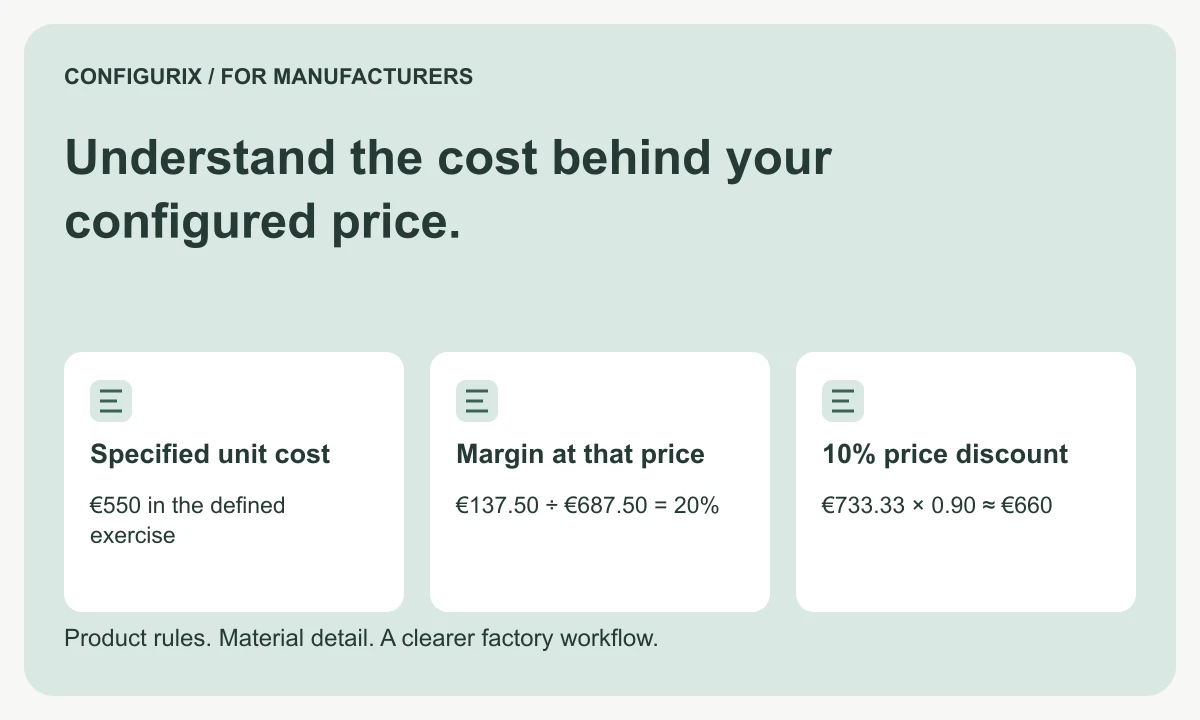
Understand the cost behind your configured price.
Connect BOM materials, operations, setup and packaging to quote pricing. Compare markup, margin and discounts using a worked factory cost example.
Know whether the factory received the right revision.
Specify BOM and order integrations with stable transfer IDs, field validation, acknowledgements, duplicate protection and timeout reconciliation.
Turn configured dimensions into a usable cut list.
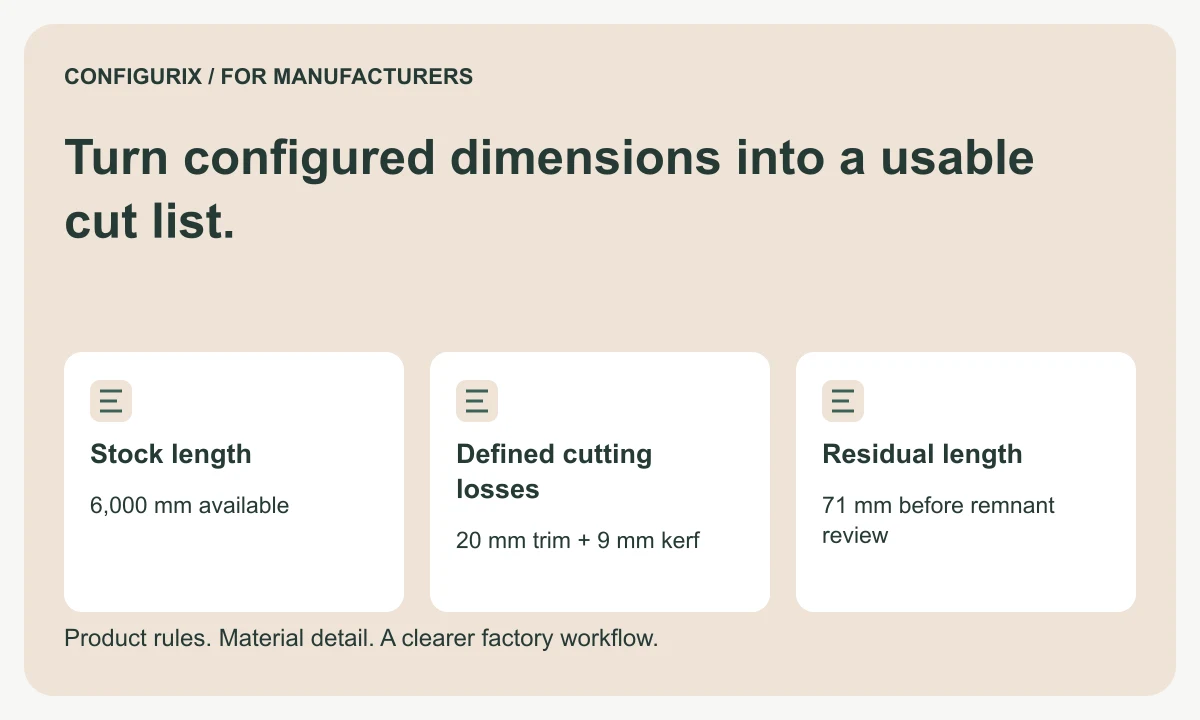
Specify cut lists with finished dimensions, kerf, trimming, stock lengths and remnant rules. Follow a worked cutting-feasibility calculation.