
Understand the cost behind your configured price.
Connect BOM materials, operations, setup and packaging to quote pricing. Compare markup, margin and discounts using a worked factory cost example.
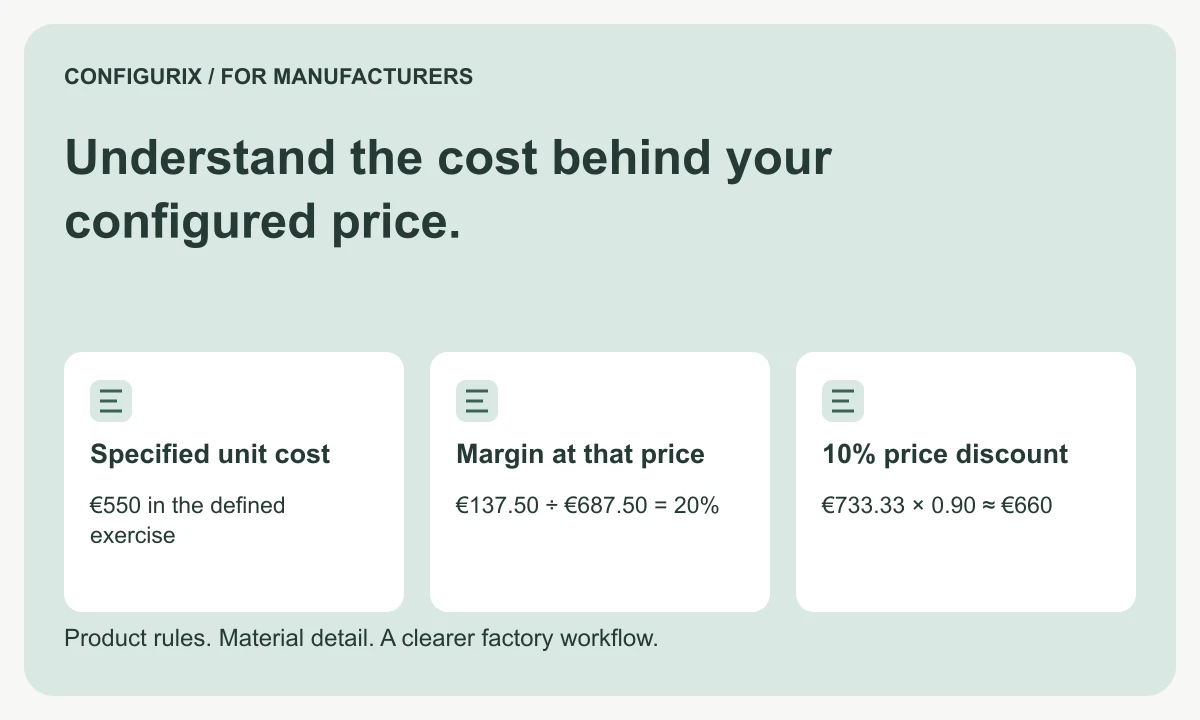
Table of contents
- Separate material, operation and commercial records
- Build a worked unit-cost example
- Understand margin and markup
- Apply discounts to an explicit price basis
- Freeze enough information to explain an accepted quote
- Compare estimated and recorded results carefully
- Is a BOM cost the final selling price?
- Can dealers see prices without seeing our costs?
- How should we validate the calculations?
A material list can help explain the cost of a configured product, but materials alone do not describe the full job. A manufacturer may also need setup time, processing time, subcontract work, packaging and other agreed cost elements. The selling price then applies commercial policy to that cost basis. Treating cost and price as the same number makes it difficult to understand whether a quote is commercially acceptable.
Configurix creates custom quoting and configuration software around manufacturers' product and pricing rules. A costing workstream should define the inputs, calculation sequence, permissions and review points. This guide provides a worked calculation and a checklist for specifying the relationship between BOM cost and the price shown to a buyer.
Separate material, operation and commercial records
A material quantity rule describes what a product needs. A cost record assigns a value to that quantity under a defined basis. A pricing rule decides what the customer is charged. Keep the three concepts connected but distinguishable.
| Record | Questions it should answer |
|---|---|
| BOM quantity | Which component, how much and in which unit? |
| Cost basis | Which rate, currency, date and source were used? |
| Operation cost | Which setup or processing activity contributes cost? |
| Commercial rule | Which margin, price list or negotiated term applies? |
| Quote revision | Which calculated values were offered and approved? |
The cost source might be a maintained standard, a recent purchase value or another factory-approved basis. Those methods can produce different results. Do not switch between them silently when one input is unavailable; mark the gap and apply the agreed review policy.
Build a worked unit-cost example
Consider a defined exercise for one configured product with these cost elements:
| Element | Calculation | Amount |
|---|---|---|
| Materials | Reviewed BOM quantities at the selected rates | €420 |
| Processing | Two hours at €35 per hour | €70 |
| Setup allocation | €120 setup divided across ten units | €12 |
| Subcontract work | Agreed amount per unit | €30 |
| Packaging | Defined packaging requirement | €18 |
| Total specified cost | Sum of these five elements | €550 |
The total is €550 under these assumptions. It excludes any cost elements not listed, such as additional overhead, finance charges or transport. Decide which items belong in your factory's cost definition before calling a result “total cost.” Avoid adding overhead again if an hourly rate already includes it.
If the batch contains five units instead of ten, the same €120 setup contributes €24 per unit. Specified unit cost becomes €562. This is why a quantity change can affect unit cost even when the material quantity per product is unchanged.
Understand margin and markup
Markup is measured against cost. Gross margin is measured against selling price. They are not interchangeable.
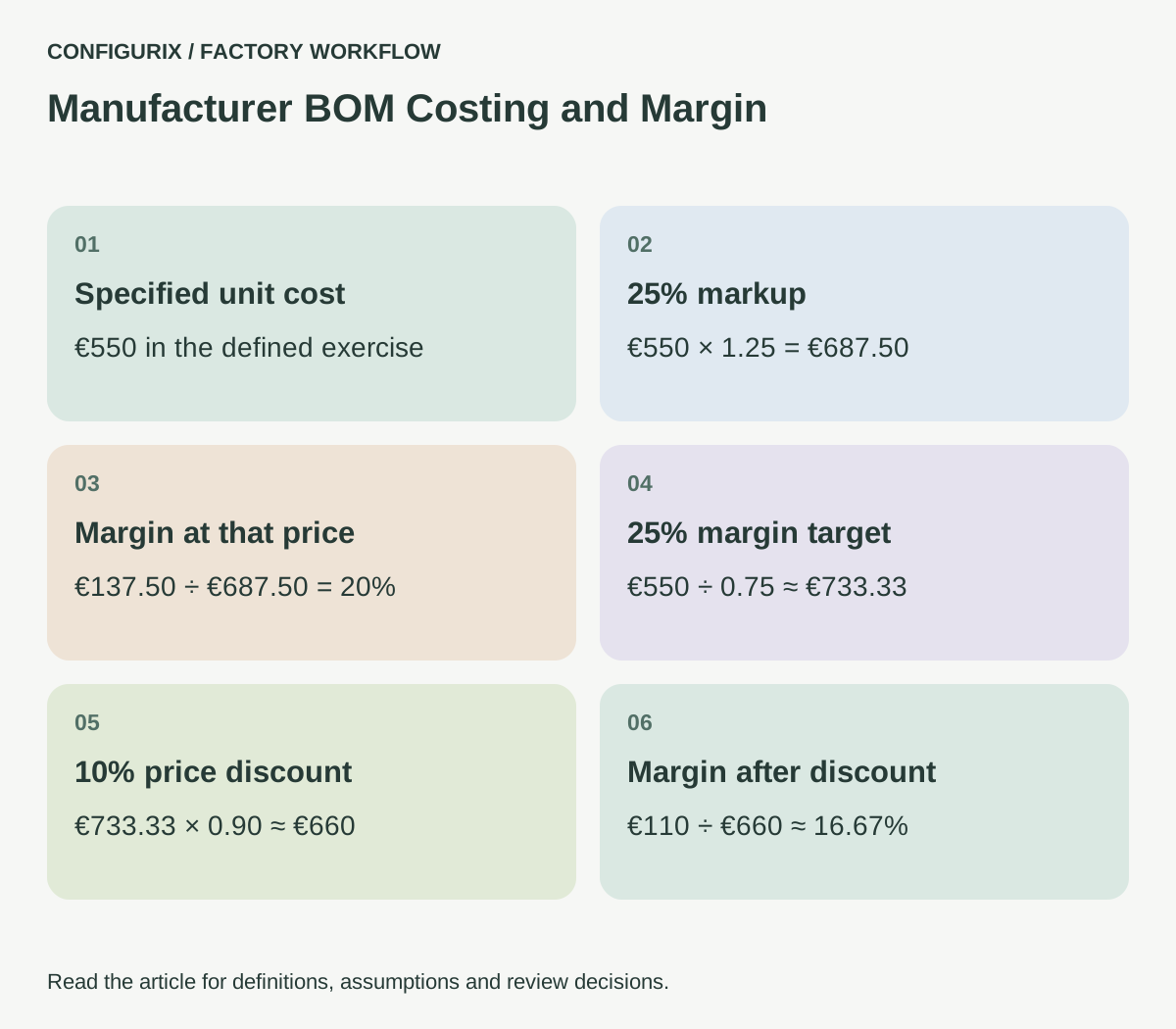
With the exercise cost of €550, a 25% markup gives €550 × 1.25 = €687.50. The difference between price and cost is €137.50, which is 20% of the selling price.
A target gross margin of 25% instead gives €550 ÷ (1 − 0.25) = €733.33, rounded to cents. The contribution above the specified cost is approximately €183.33. The calculation only reflects the cost elements included in the exercise.
 Open full-size image (new tab)
Name the input clearly in the software. A field labelled only “percentage” invites mistakes. Define permitted ranges and what happens when an input is missing or invalid. A margin formula must not accept a denominator of zero.
Apply discounts to an explicit price basis
A discount changes the achieved margin. Starting from €733.33, a 10% discount produces approximately €660.00. Against the same €550 specified cost, the resulting margin is about 16.67%, not 25%.
Decide whether a discount applies to the entire quote, selected product lines, accessories, installation or another defined basis. Distinguish a fixed amount from a percentage, and state the order when multiple adjustments apply. Two consecutive 10% discounts do not equal one 20% discount.
A Configurix project can be scoped around dealer price lists, negotiated terms and approval thresholds. The specification should identify who maintains those rules and which users can see internal costs. A customer-facing quote should not expose confidential cost rates through the interface or its data responses.
Freeze enough information to explain an accepted quote
Rates change. A quote prepared yesterday may use a different material cost or dealer agreement from a quote prepared today. Preserve the relevant calculation inputs, price-list reference, currency and rule revision with the quotation.
When a customer changes the configuration, decide whether the new quote uses the earlier commercial basis or current terms. The decision may depend on validity dates and the manufacturer's process. Show the reviewer which values changed rather than silently repricing every line.
Currency conversion needs the same discipline. Store the rate source, date and rounding policy. Do not mix a supplier cost in one currency with a selling price in another without an explicit conversion. Tax and accounting treatment should follow the factory's agreed commercial setup and the advice of its responsible professionals.
Compare estimated and recorded results carefully
After production, the factory may want to compare the quote's estimate with recorded material consumption and operation time. Define which records are comparable and which differences require explanation. A rework event, material substitution or rush subcontract charge should not simply disappear into one variance total.
Start with one product family and a small set of cost categories. Assign ownership for missing rates and unexpected results. If the custom application only receives estimates, it should not label a dashboard “actual manufacturing cost.” The meaning of each number needs to survive the journey between systems.
Test a single-unit order, a larger batch, a configuration with an optional assembly and a quote below the review threshold. Include an expired rate and a missing cost reference. Confirm that users see an exception rather than an invented zero cost.
Is a BOM cost the final selling price?
No. It is one input into a commercial calculation. Operations, other costs, price lists, negotiated terms and approval rules may all affect the offered price.
Can dealers see prices without seeing our costs?
That should be an explicit access requirement. Test both the visible interface and the data returned to dealer accounts; hiding a cost column visually is not sufficient by itself.
How should we validate the calculations?
Use a small set of independently reviewed quotes with known inputs and expected line-level results. Include discount and batch-size changes so the test checks the calculation sequence, not only one final total.
Discuss your custom CPQ requirements with Configurix. Bring a reviewed BOM, the cost basis and an accepted quotation so the proposed software can make the relationship between materials, operations and price clear.
Connect configuration to the way your factory works.
Bring your product catalogue, pricing rules and current documents. We can define a product configurator implementation around the decisions and system connections your teams need.
Discuss your factory workflow →Related articles
Connect quality records to the product you built.
Plan factory quality workflows linking configurations, material lots, serial numbers, inspection results, rechecks and authorised release decisions.
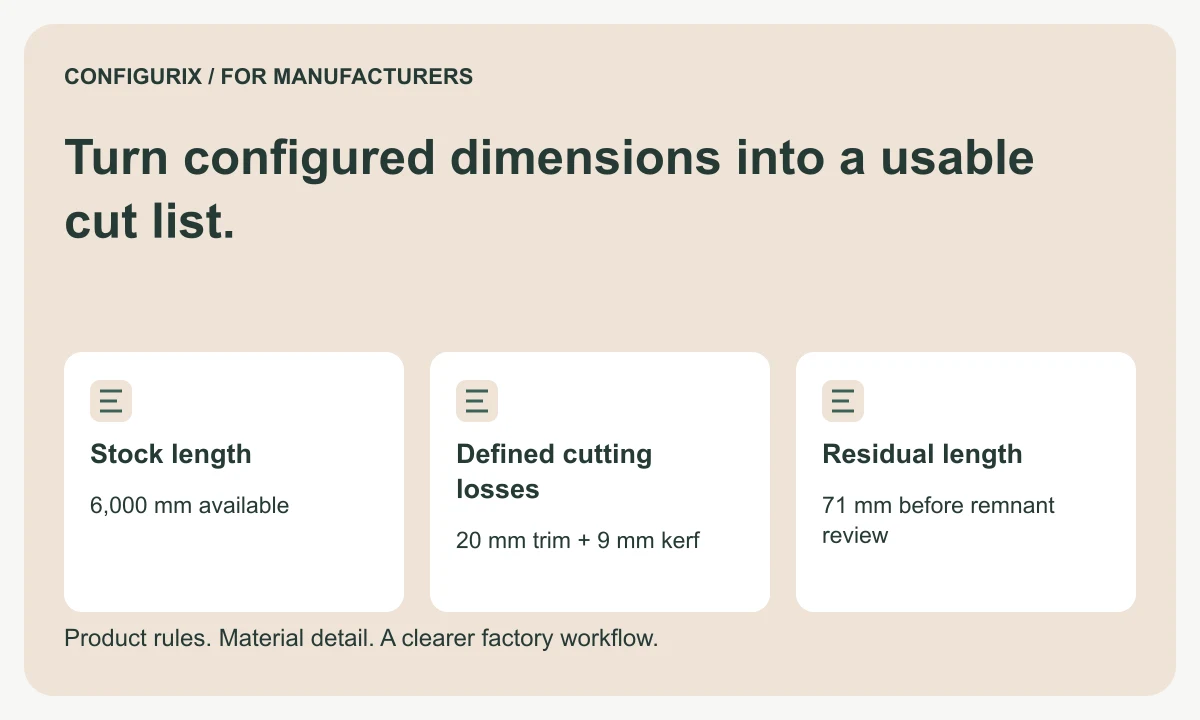
Turn configured dimensions into a usable cut list.
Specify cut lists with finished dimensions, kerf, trimming, stock lengths and remnant rules. Follow a worked cutting-feasibility calculation.
Give each workstation the information it needs.
Specify production job packs with BOMs, cut lists, drawings, work instructions, operation checks and clear revision control for each workstation.
Help customers find the part that fits their product.
Plan a manufacturer spare-parts portal with product identification, historical configurations, replacement compatibility and reviewed service requests.